
Yes, when a video is transferred to the new Moniviestin, its publication status remains unchanged. In other words, if a video was in private mode in the old Moniviestin, it will also be private in the new Moniviestin. Similarly, published videos will remain published.
Moniviestin Migration Guide
Automatic transfer of old content to the new system, i.e. migration.
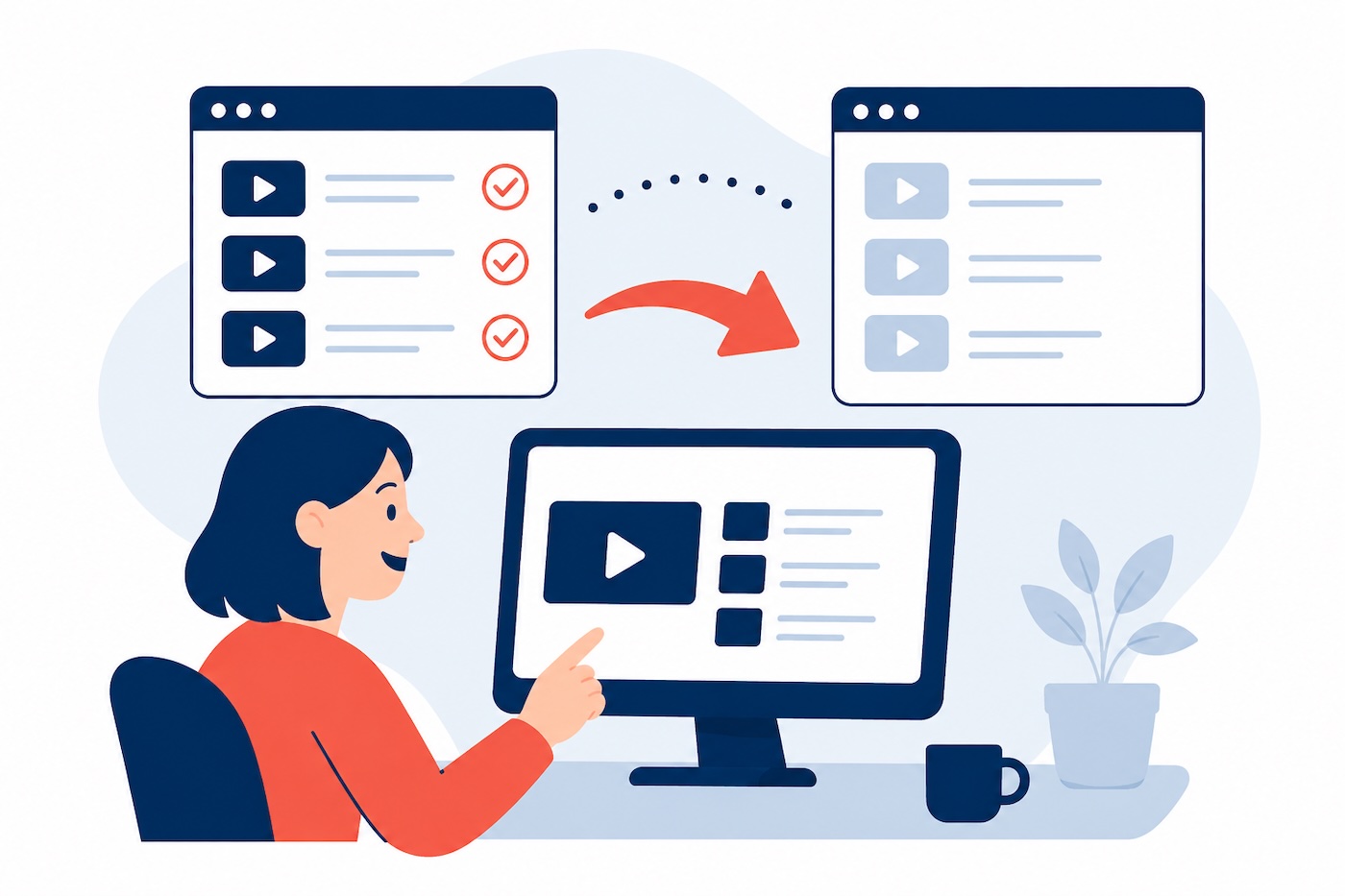
moniviestin-siirto-helppoa.jpg
The new Moniviestin video service was launched in August 2025. Previous content in the old Moniviestin will continue to function as before for the time being, but essential content must be marked for transfer to the new service by August 2026.
Content producers can easily mark the content they want to keep for future use. Marked content will be automatically transferred to the new Moniviestin. Automatic transfers will begin in early 2026, and progress will be communicated separately. We will also add status updates to this help page.
The old Moniviestin will be closed down on September 1, 2026!
Marking content for transfer
Content transfer is marked on a program-specific basis, meaning that you can handle even large entities with a single mark.
NOTE! By default, content will not be transferred, so it is important to review it yourself if you want to keep the old content.
In the old Moniviestin, some of the English content might be published in the Finnish program page, therefore following options might be in Finnish. If you want to continue to keep your essential and up-to-date content, do the following:
1 Log in to the old Moniviestin (ask for the address from Video support) and navigate to your program's page. On the program page, you will see a red box that says Not transferred to the new Moniviestin by default ("Ei siirretä uuteen Moniviestimeen")
2. Click the Update here link ("Päivitä täältä")
3. Select the change: Mark for transfer and click Change status. (Select "Merkitse siirrettäväksi" and click "Vaihda tilaa")
4. You will receive a confirmation that the transfer status has been updated.
5. The program page now displays a yellow box stating "Transferring to new Moniviestin." Everything is in order—the transfer will occur automatically, and you will receive an email confirming its success.
You can mark content for transfer at any time. You can start marking content right away, but automatic transfers will not begin until early 2026, after which they will be performed every night based on the markings.
If you wish, you can cancel the transfer before the automatic transfers begin.
Note: The contents of your own folder will not be transferred to the new folder, as these videos are intended for temporary use and will be automatically deleted 180 days after publication. If you want to keep the content published in My Folder, you can do so by downloading the video file to your device using the Downloads function below the video window (usually the best quality is marked "1080P"). You can publish this video file using the My Folder function in the new Moniviestin for the next 180 days.
Frequently asked questions about video migration
We have compiled a list of frequently asked questions about the automatic transfer of videos from the old Moniviestin on this page. Click on a question to see the answer. If you cannot find the answer to your question on this page, please send a support request to video support via HelpJYU!